Cinnamon: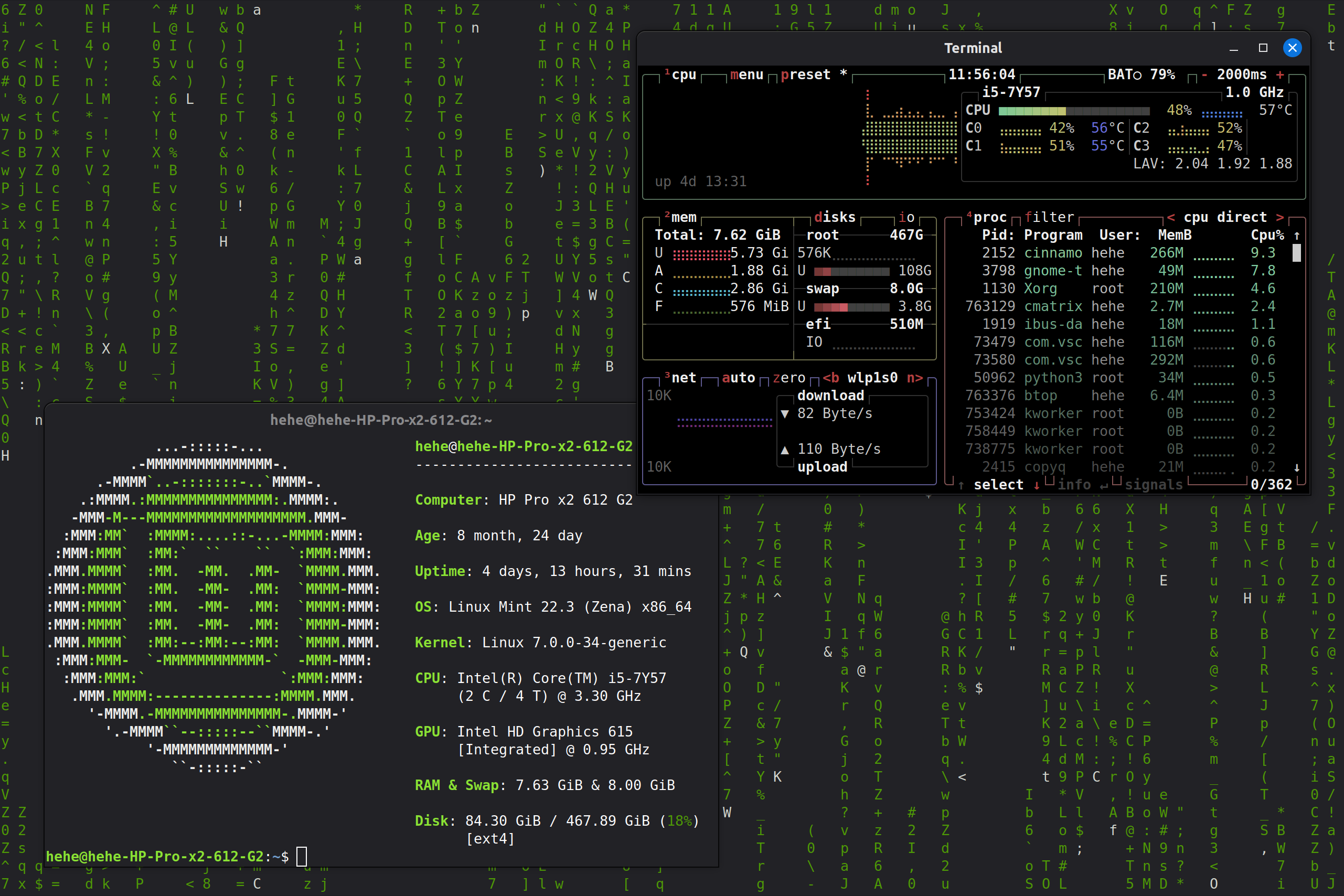
Unless you are trying to run a server, the look and feel of the computer are arguably way more important than what distro you picked.
Luckly, there are probably as much desktop environment and windows manager as there are Linux distros, from a Windows-like desktop to turning the entire computer into a video game, there are a lot of flexibility in how Linux could look.
Here is 5 DE/WM that I would recommended based on what person want out of their computer:
Cinnamon: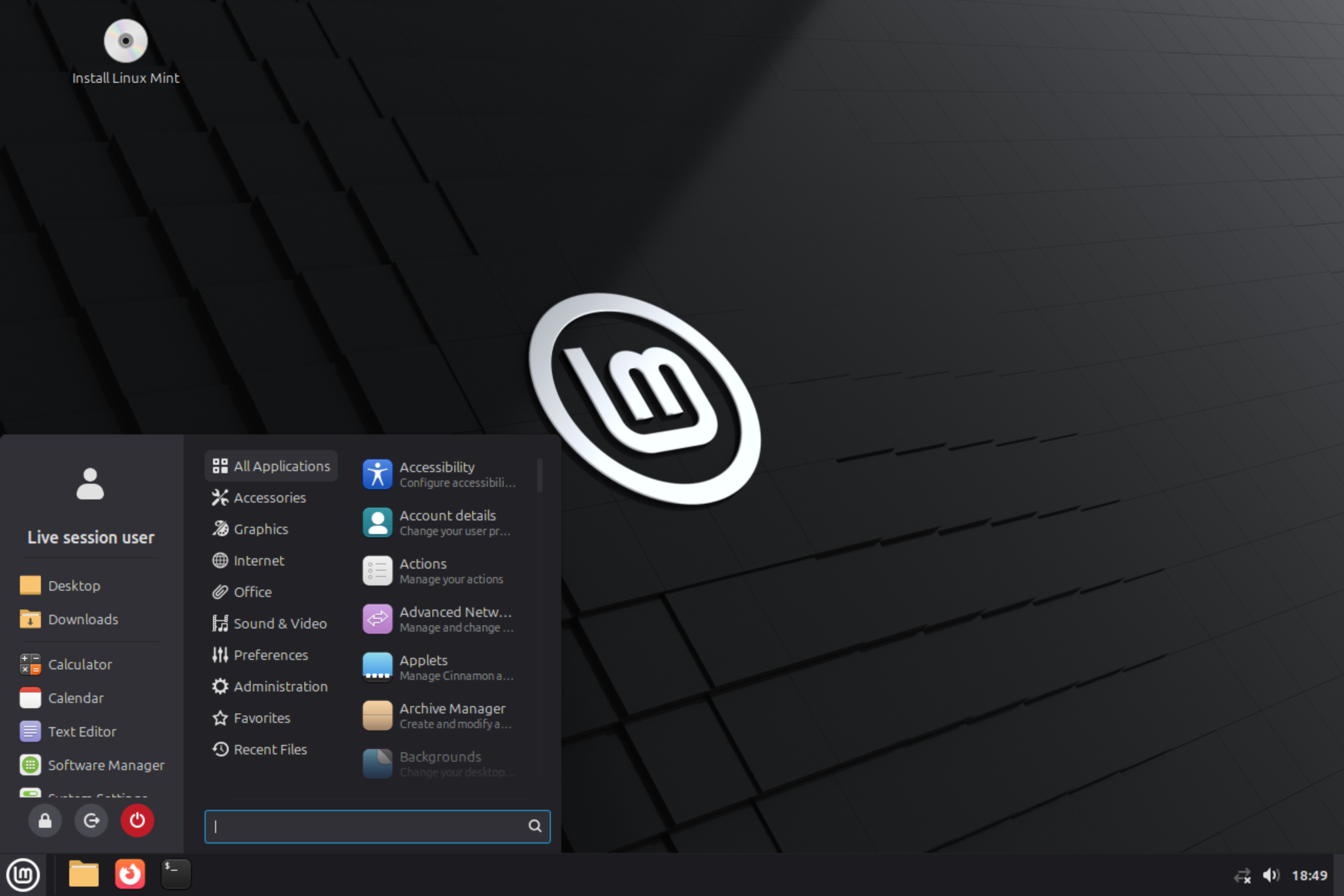
Cinnamon is a desktop environment that are extremely focused on ease of use and simplicity. It look a lot like Windows 7 and 10 but are much more polished.
It is perfect for a weaker computer or for anyone that want a simple interface on their computer.
 KDE Plasma: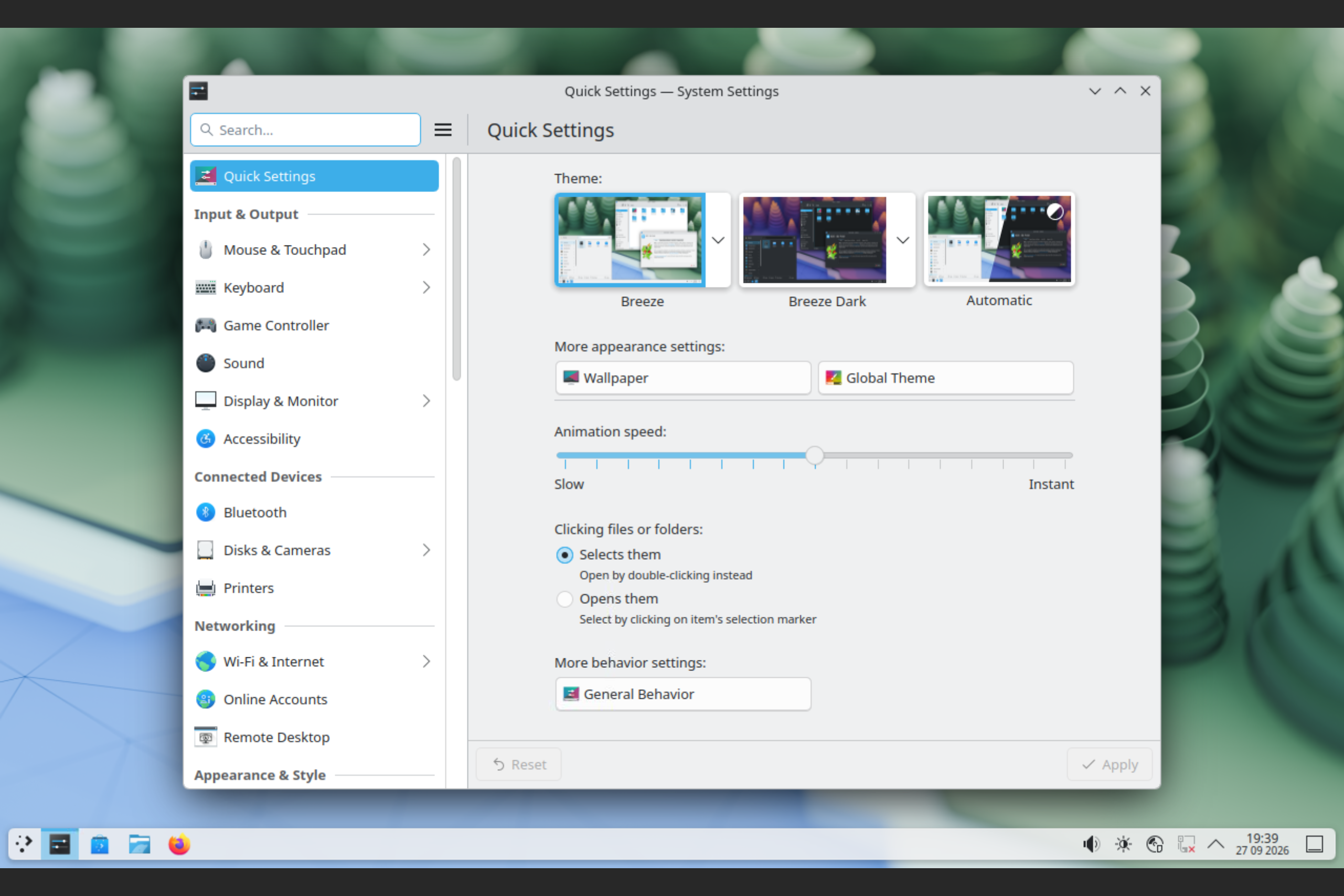
KDE Plasma focused on extreme customization from an easy-to-use graphical setting. You can easily turn KDE into Windows or macOS, and you would have a hard time finding the different between them. By default, it have the same layout as Windows 10 but all the interface are like Windows 11.
It is best for advance user that want their computer to behave exactly how they wanted.
 GNOME: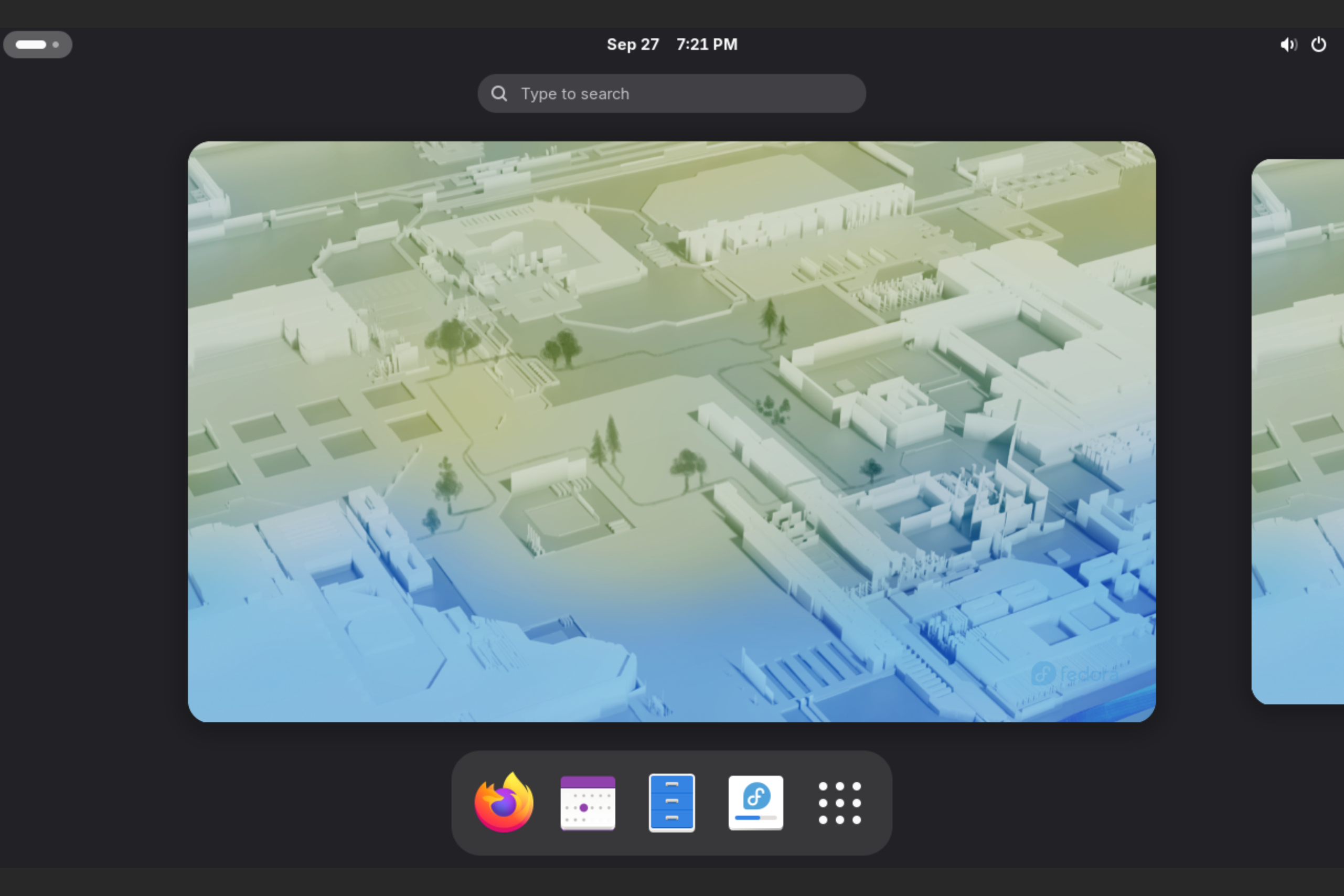
GNOME is a desktop that target a clean and focus desktop. Everything is designed around keeping the user's workflow uninterrupted and help increase the user's productivity. It look and feel a lot like macOS.
It is perfect for desktop and laptop for work or school.
 Hyprland: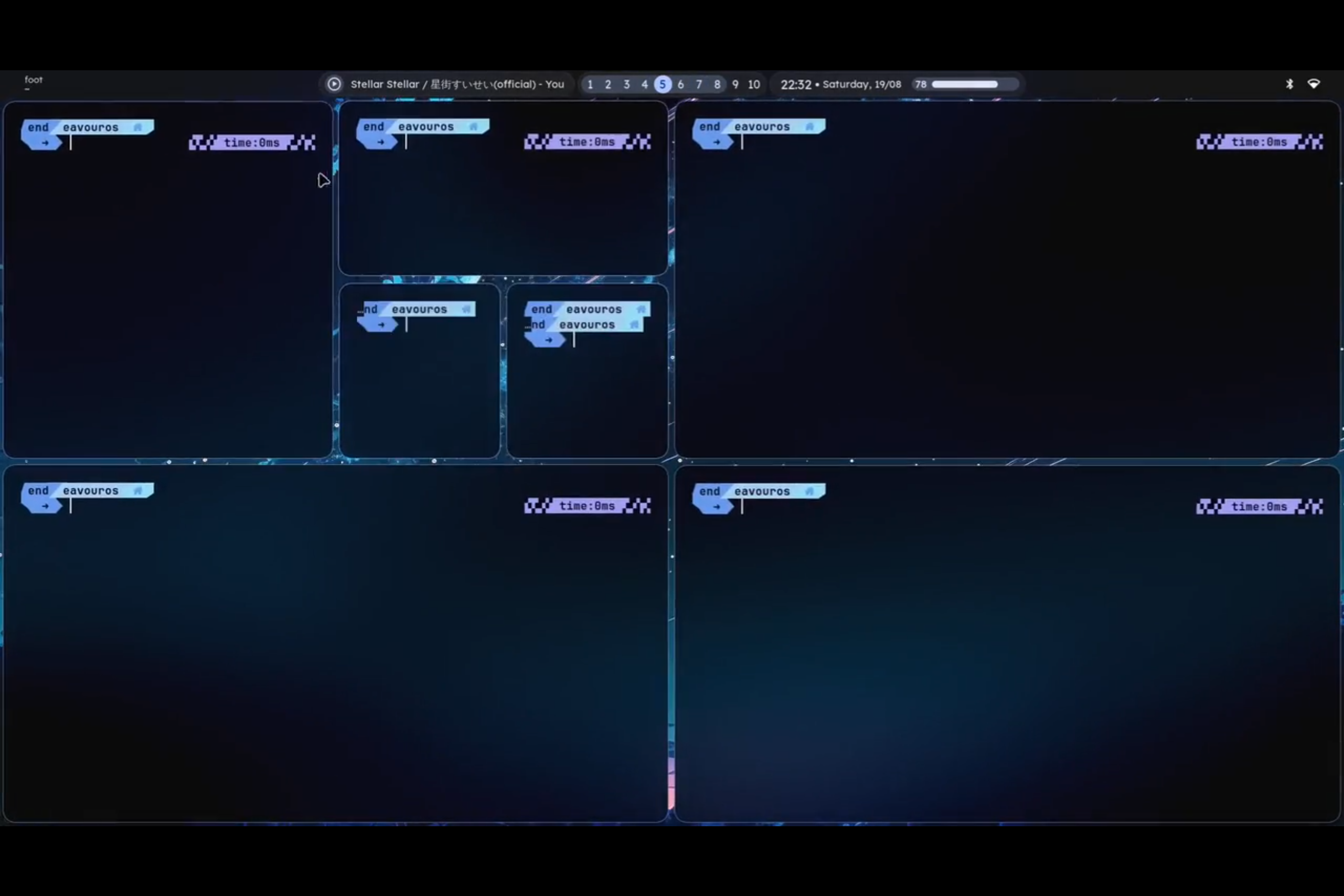
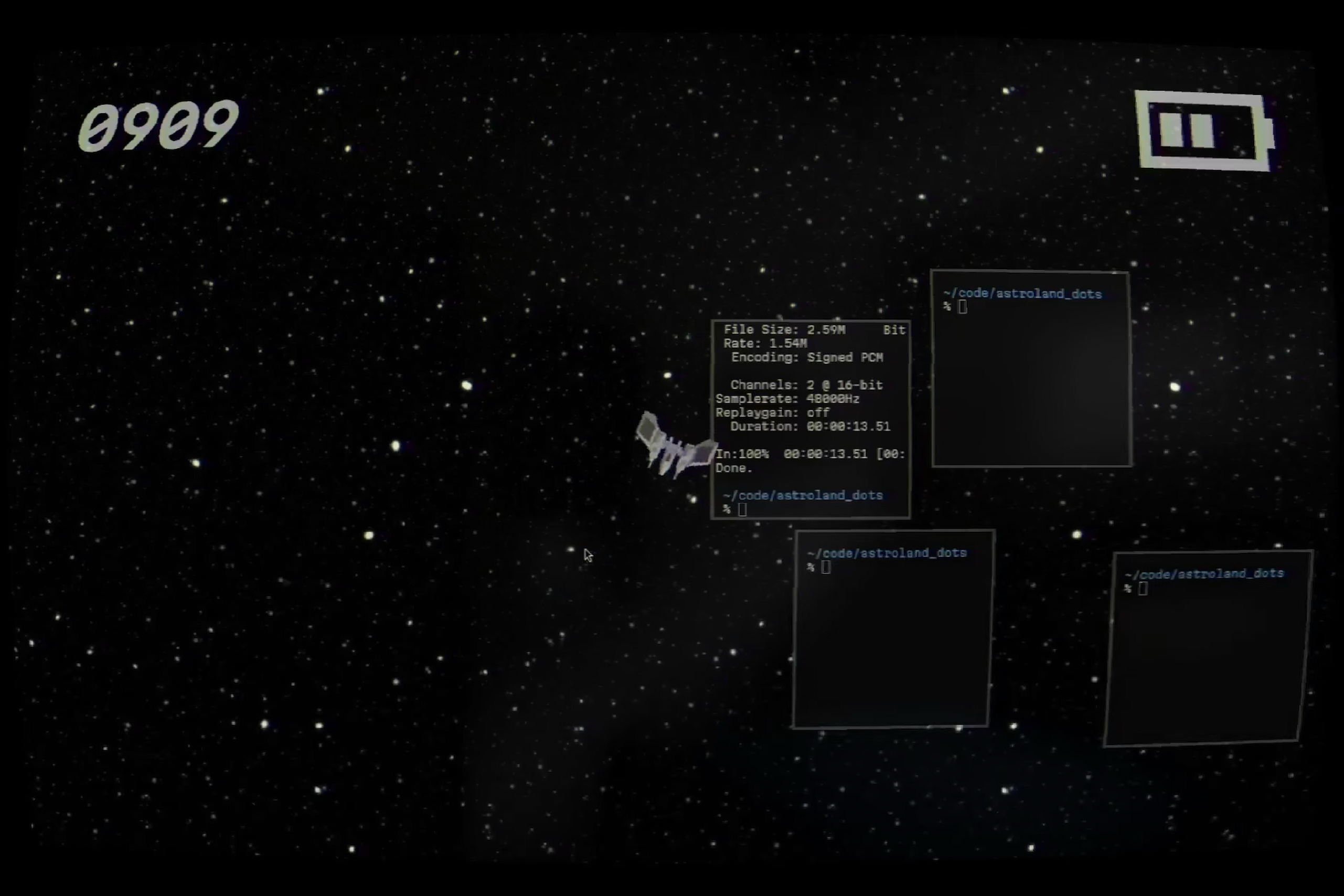
Take a look at these 2 images, they may have completely different look, layout, and interface, or basically everything. Yet they both are running Hyprland.
Hyprland, a window manager that very fast, extremly light on computer resource, and are what turn programmer into an artist.
Hyprland utilized configuration file to control all aspect of customization. It may push away normal users due to its conplexity, but will also pull in many advance users wanting absolute control on their machine. Also, since all the configuration is done on config files, you can just copy someone else config file to have the exact same setup.
After installed, it have nothing but a terminal for accessing the config file. Basically like a blank canvas for drawing.
It is perfect for very old computer and for anyone that want the most out of their computer.
 (COSMIC):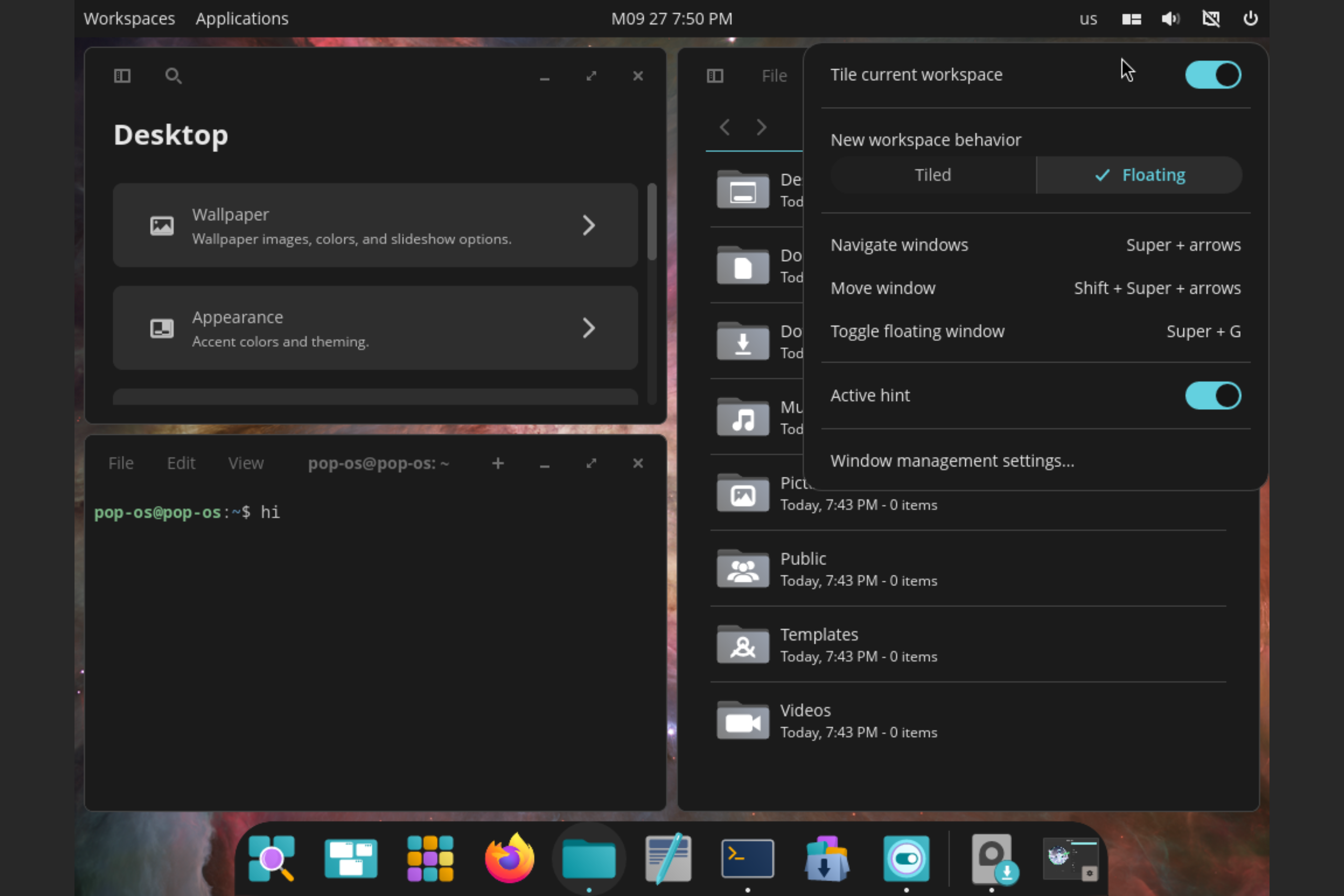
COSMIC is the newest desktop compare to the last 4, and it aim to merge the average floating windows in normal desktop with tiling in window manager. What this mean is that it could bring out the multitasking aspect of tiling windows by default, requiring no modification to increase productivity.
COSMIC is the best for anyone to try out a new style of desktop environment, or are interested in how the mix between windows floating and tiling could work. It is very new so bugs and problems are expected.